Our best release yet
Sign in and your scenes follow you everywhere. Light your frame with sun through a window, ask us to build the scene you have in mind, and take Moga into client work with the Commercial Version. This release also rounds off V1.2, so it brings everything from the last few updates: a true lens blur, focus peaking, quicker exports, eight themes and four languages.
Your scenes, everywhere
Sign in with Google or your email, and your saved scenes follow you to any laptop, tablet or phone. They save themselves as you work.
Light and shadow
Sun through a window, blinds or leaves, a monstera, a palm, or the light off water, falling over your whole frame. Pick the time of day, turn it to the other side, and set its light and its shade apart.
Scenes made for you
Show us a video, a storyboard or just an idea, and we'll build the scene. With Moga Priority it's ready within 48 hours, and it can stay yours alone.
Moga Commercial Version
Use Moga and what you make with it for clients, ads and anything you sell. $19 once, no subscription, and every export carries its license.
Feature highlights
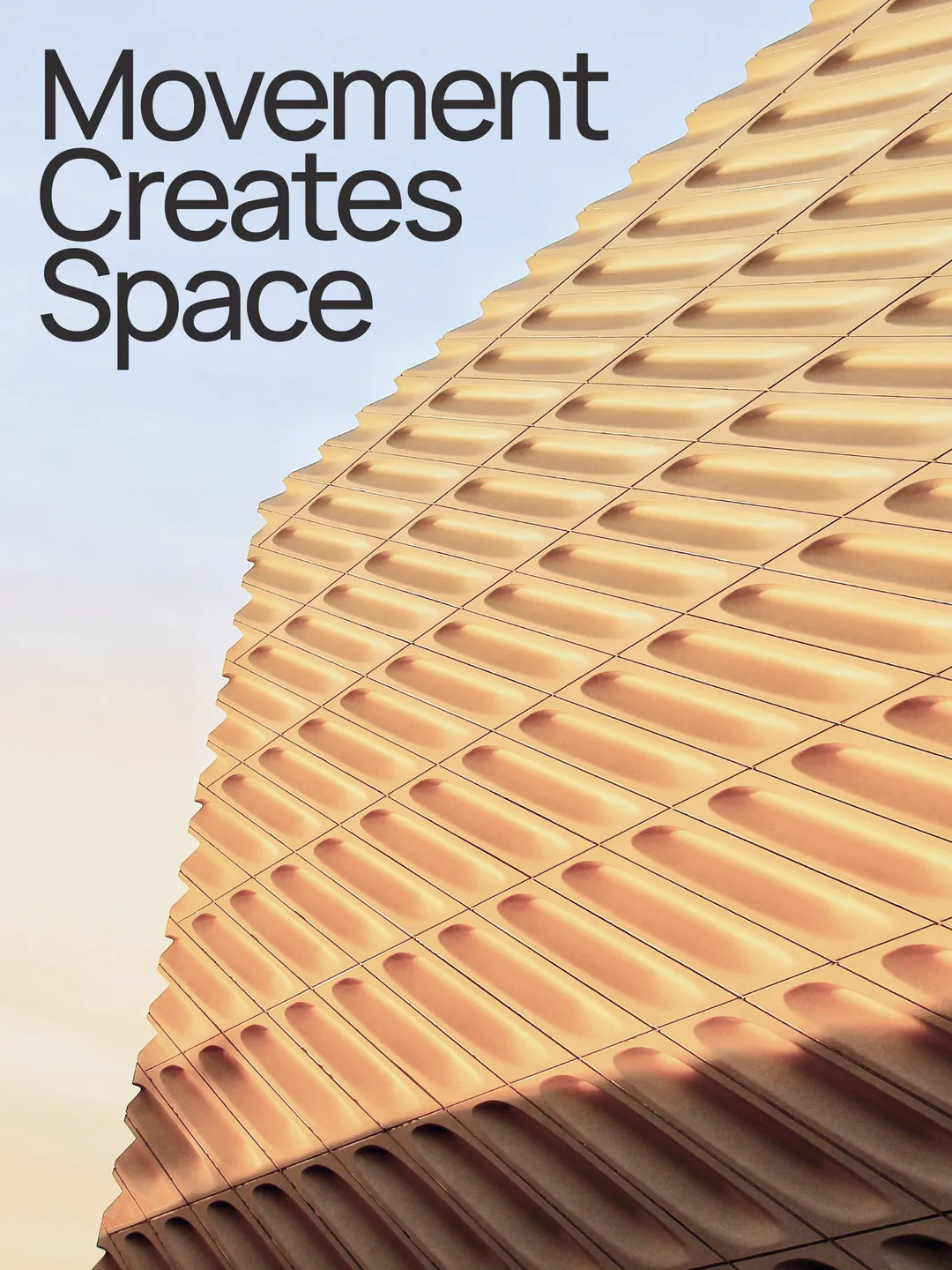
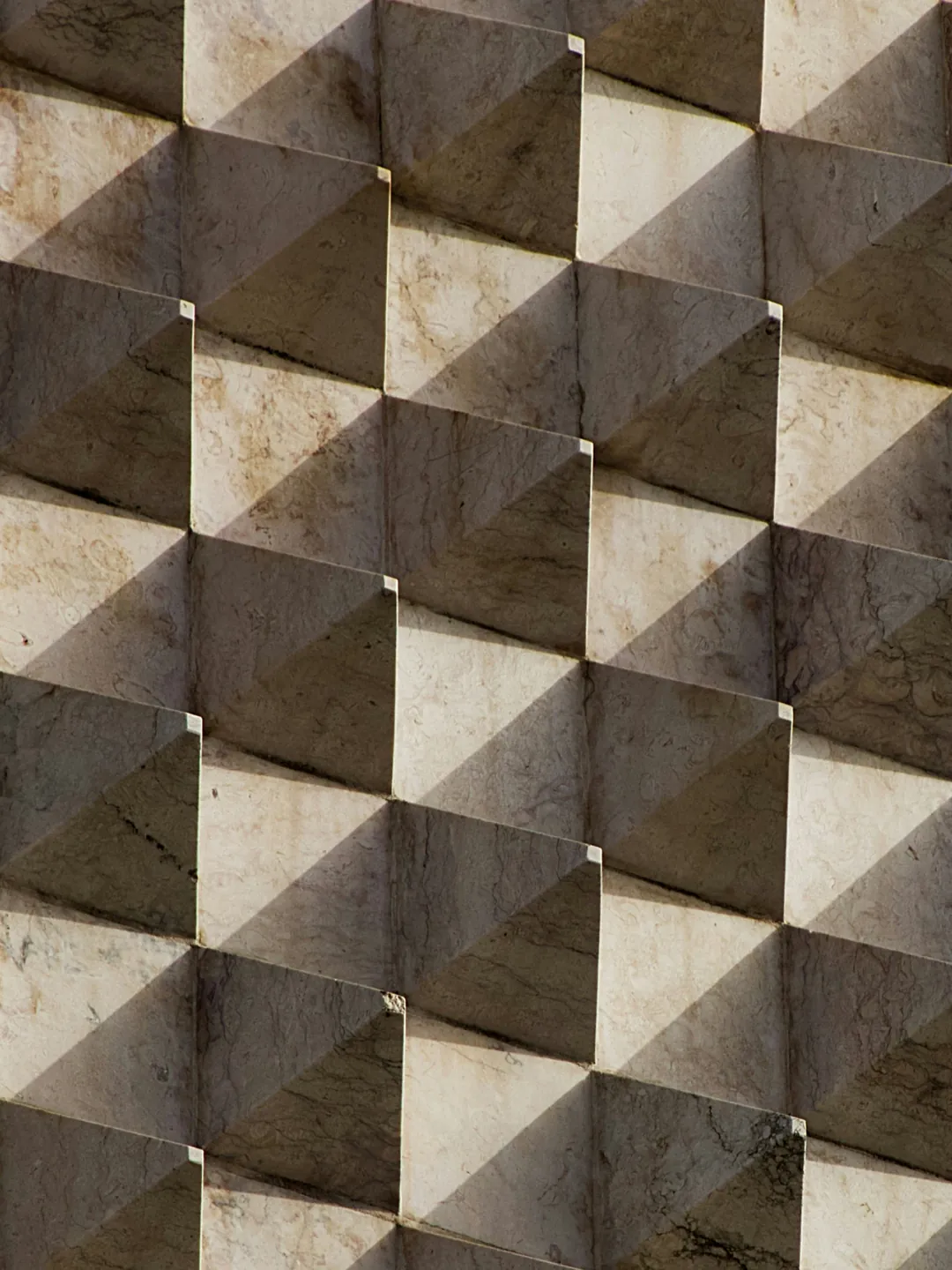
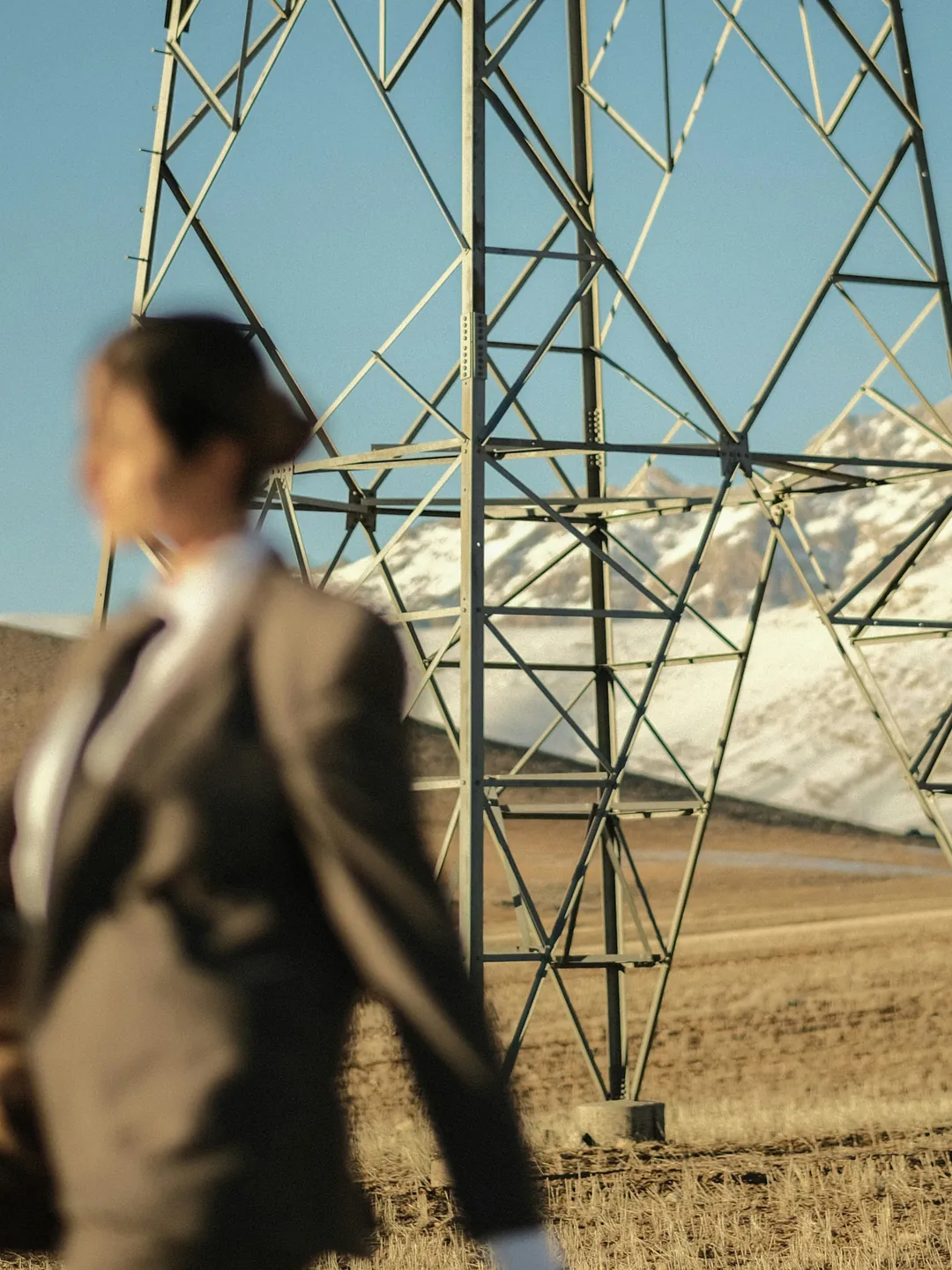
Light and shadow
Pick a shadow and a time of day. Set the light and the shade apart, or turn on Mirror for the sun from the other side. It falls over your whole frame, just as here.
 BeforeNow
A real bokeh, before and after
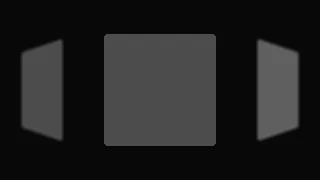
One card out of focus, from the same Tumbling Sphere frame. Drag across it: before, only its inside blurred and its edge stayed cut. Now the whole card softens and melts a little past its edge, the way it would through a lens.
Focus peaking
Drag Focus depth. Whatever is in focus lights up in red, just like manual focus on a camera.
Eight themes
Four dark and four light. Choose yours in Preferences.
Four languages
Every label and hint in English, Tiếng Việt, Français and 日本語.
New
- Accounts: sign in with Google, with an email and password, or with a link we send to your inbox
- Saved scenes sync to your account, so they're the same on every device, and save themselves as you work
- A profile with your name, email and photo: upload your own, or roll the dice for one of 35 mascots. Sign out and Delete account are there too
- A new sign-in page, with scenes from the library playing alongside
- Moga Commercial Version: $19 once for commercial work, from Account or the Export menu
- Request a scene from a video, a storyboard or an idea. On Personal it takes about 2 weeks; the Commercial Version gives you 5 requests, each built within a week
- Moga Priority: your scene built within 48 hours of us taking it on ($22). Add Keep it yours alone (+$13) and it never goes into the library, its source code yours too
- Scenes made for you wait in Scenes, under Yours, for your account alone, and we email you as your request is taken on, ready or declined
- Shadow overlay: eight shadows, from a window's light to swaying leaves and rippling water, four suns (White, Morning, Afternoon, Sunset), Mirror for the sun from the other side, and Light and Shade on dials of their own
- New photo scenes: Letter Zoom, Runway, Drift Reel, Hard Cut, Mask Reveal and Color Wipe
- Two calm shots for every device: Static, square on to the screen, and Close drift
- Flow, a third kind of gradient: soft bands of colour that drift as your scene plays. 20 gradient presets, and you can save your own
- Rack focus (Beta) pulls focus from one depth to another over the loop, and bokeh and focus peaking work on device scenes too
- Story: an Instagram story's top over an iPhone's screen
- The Scenes drawer gets a Full bleed group, and a Still / Moving filter for each kind of device
- Credits, Privacy Policy and Terms of Service pages
- Name your export: type a file name in the Export menu, or leave it empty for Moga's own
Improved
- A real bokeh: out-of-focus photos blur the way a camera lens does, soft and round, and steady from the first frame to the last
- Faster exports: device scenes take less work to draw each frame, up to 1.5× faster on a slower computer or phone
- Tablets get their own layout: the frame on top, the timeline under it, and both panels side by side
- On a phone or tablet, pinch with two fingers to zoom a device scene, while two fingers still move it
- A device's Tilt, Turn and Roll are dials now, three in a row
- Settings show their unit in the number: 45°, 100%, 1.20s
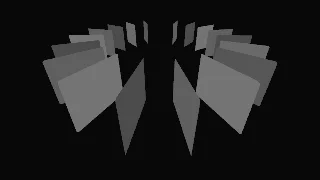
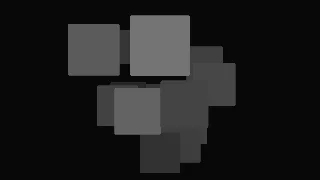
- Drift Inward, Proximity Field and Nested Zoom remade, closer to the reels that inspired them
- Export at 24, 30 or 60 frames a second
- A shorter Export menu: frame rate and quality fold under More options
- A Moga link you share shows a proper preview, with the new icon
- The scene pauses behind the Account and Feedback windows, so nothing moves while you type
- Sign-in links work on any device, including a phone's mail app
Fixed
- The Account and Feedback windows open in the center again when the Scenes drawer is open
- The scene you left opens from its first frame again, not blank
- Proximity Field's overlapping photos no longer flicker
- The Request a scene window's preview no longer goes blank between its scenes
Removed
- Corkboard and Board Reveal leave the library. A saved scene or link that used one opens Card Fan